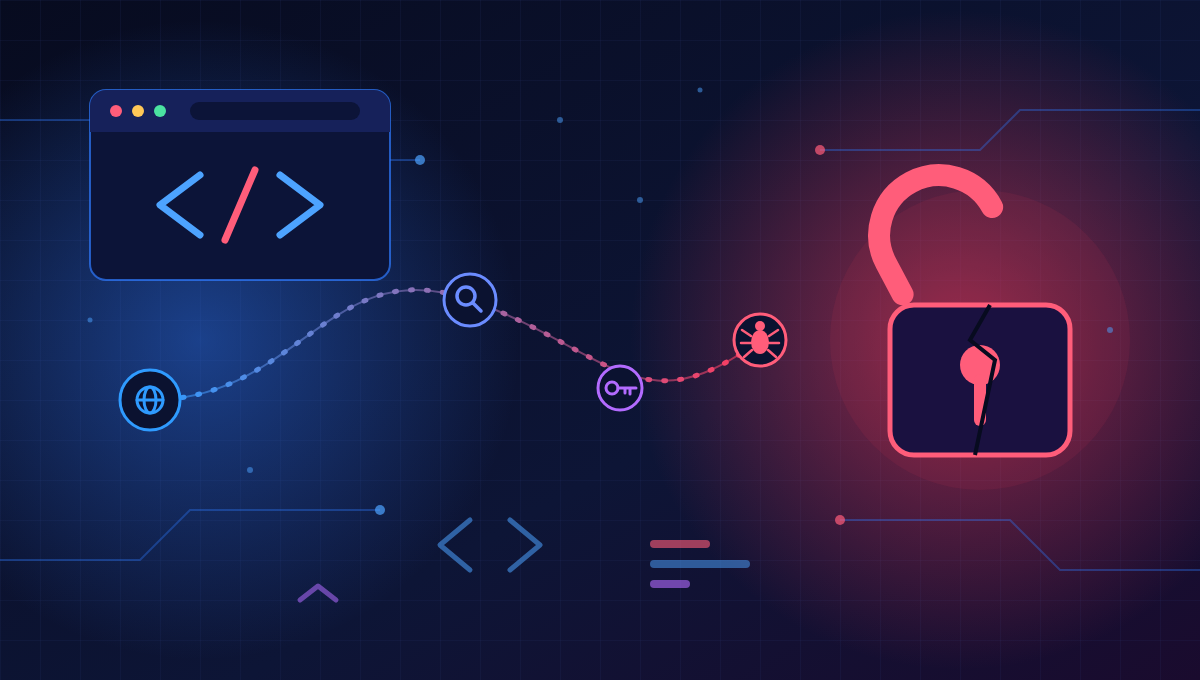
Understanding how attackers work is the fastest way to defend against them. A typical PHP website compromise follows a predictable chain. Break any link and the attack fails.
Step 1: Reconnaissance Automated bots scan the internet for PHP sites. They identify the CMS, plugin versions and PHP version from page source, response headers and well-known file paths. No human is needed at this stage.
Step 2: Finding a weakness The tools match what they found against databases of known vulnerabilities. A plugin with a published flaw, an old PHP version, an exposed admin login or a form that does not sanitize input becomes the entry point.
Step 3: Exploitation The attacker sends a crafted request. A classic example is SQL injection, where the input changes the meaning of the database query:
// Vulnerable: user input goes straight into the query
$id = $_GET[‘id’];
$result = $db->query(“SELECT * FROM users WHERE id = $id”);
// Attacker sends: ?id=1 OR 1=1 -> every user record is returned
Other common exploits include uploading a malicious file, abusing a vulnerable plugin endpoint, or using stolen or guessed credentials.
Step 4: Gaining a foothold The attacker plants a web shell, a small PHP script that gives remote control of the server. It is often hidden in an uploads folder or inside a legitimate-looking file name.
Step 5: Privilege escalation and persistence They create hidden admin accounts, add backdoors in several places, and sometimes modify scheduled tasks so the access survives a cleanup.
Step 6: Payload What they do next depends on the goal:
- Steal customer data or credentials
- Inject spam links or redirects for SEO fraud
- Host phishing pages or malware downloads
- Send spam email from your server
- Install cryptomining or ransomware
- Use your server to attack others
Step 7: Covering tracks Logs are altered, file timestamps changed, and the site often keeps working normally. Many businesses learn about the breach weeks later, from a Google warning, a hosting suspension or a customer complaint.
Where to break the chain
| Stage | Defence |
| Recon / weakness | Keep PHP, CMS and plugins updated; remove unused plugins |
| Exploitation | Validate input, use prepared statements, add a web application firewall |
| Foothold | Restrict file uploads, block PHP execution in upload folders |
| Persistence | File integrity monitoring, least-privilege accounts, MFA |
| Detection | Centralized logging, alerts, regular malware scans |
The good news: most of these attacks are opportunistic. Layered, basic defences stop the majority of them.