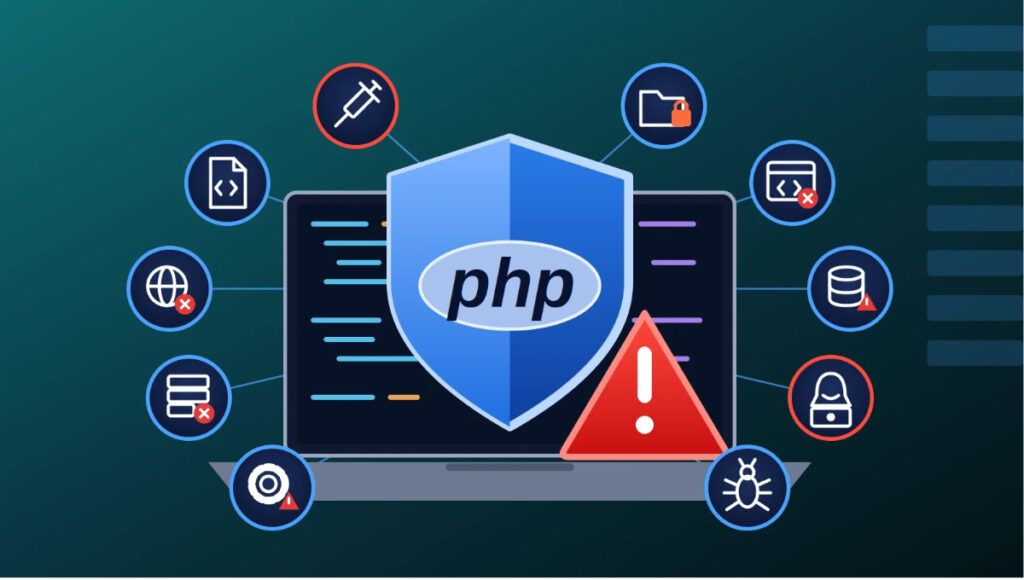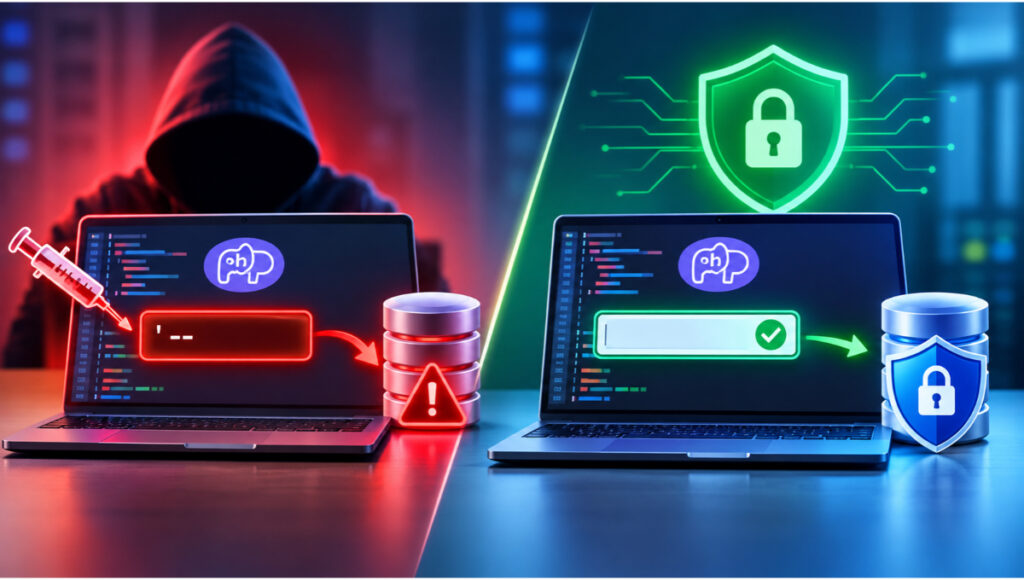

You do not need a huge budget to dramatically reduce your risk. Work through this checklist and you will close the gaps most attackers rely on.
Keep it current
- Run a supported PHP version. Upgrade away from end-of-life releases and plan upgrades each year.
- Update CMS, plugins, themes and libraries. Enable automatic security updates where safe. Delete anything unused.
- Scan dependencies. Use composer audit and automated tools such as Dependabot to flag vulnerable packages.
Write safer code
- Use prepared statements for every query.
$stmt = $pdo->prepare(‘SELECT * FROM users WHERE id = :id’);
$stmt->execute([‘id’ => $_GET[‘id’]]);
$user = $stmt->fetch();
- Validate input and escape output. Validate type, length and format on the server. Escape on output to stop XSS:
echo htmlspecialchars($comment, ENT_QUOTES, ‘UTF-8’);
- Hash passwords properly.
$hash = password_hash($password, PASSWORD_DEFAULT);
if (password_verify($input, $hash)) { /* login ok */ }
- Protect forms with CSRF tokens and set SameSite on cookies.
- Never use eval() or unserialize untrusted data. Avoid passing user input to include, system or exec.
Lock down uploads and files
- Restrict file uploads. Allow-list file types, check real MIME type, rename files, store them outside the web root, and block PHP execution in upload directories.
- Set correct file permissions. Least privilege; configuration files not writable by the web server and never publicly accessible.
Secure access
- Enforce strong authentication. Multi-factor authentication for admins, login rate limiting, and session regeneration after login.
- Force HTTPS and add security headers (HSTS, Content-Security-Policy, X-Content-Type-Options).
Configure and monitor
- Turn off error display in production. Log errors privately instead: display_errors = Off.
- Add a web application firewall (WAF) and file integrity monitoring with alerts for suspicious changes.
- Back up automatically and test restores. Keep backups offsite and separate from the server.
Make it a habit Schedule a monthly patch review, a quarterly access review and an annual penetration test. Security is a process, not a project.